podcast transcription
Podcast Transcription with Vibe
Podcast transcription turns an episode into searchable, editable text for show notes, accessibility, quotes, and content reuse. Vibe is a desktop app for local file transcription: use an audio file you are allowed to process, keep it on your computer, and review the draft before publishing.
Best use of Vibe for podcast transcription
Use Vibe when you have the actual audio or video file. It is not a Spotify-link scraper or a hosted podcast transcript generator, so the reliable workflow starts with an authorized local media file.
Keep the original episode file and work from a copy.
Select the spoken language and test a representative segment.
Review names, technical terms, timestamps, and overlapping speech.
Podcast-to-text workflow
- Install the latest verified Vibe release from the official GitHub assets.
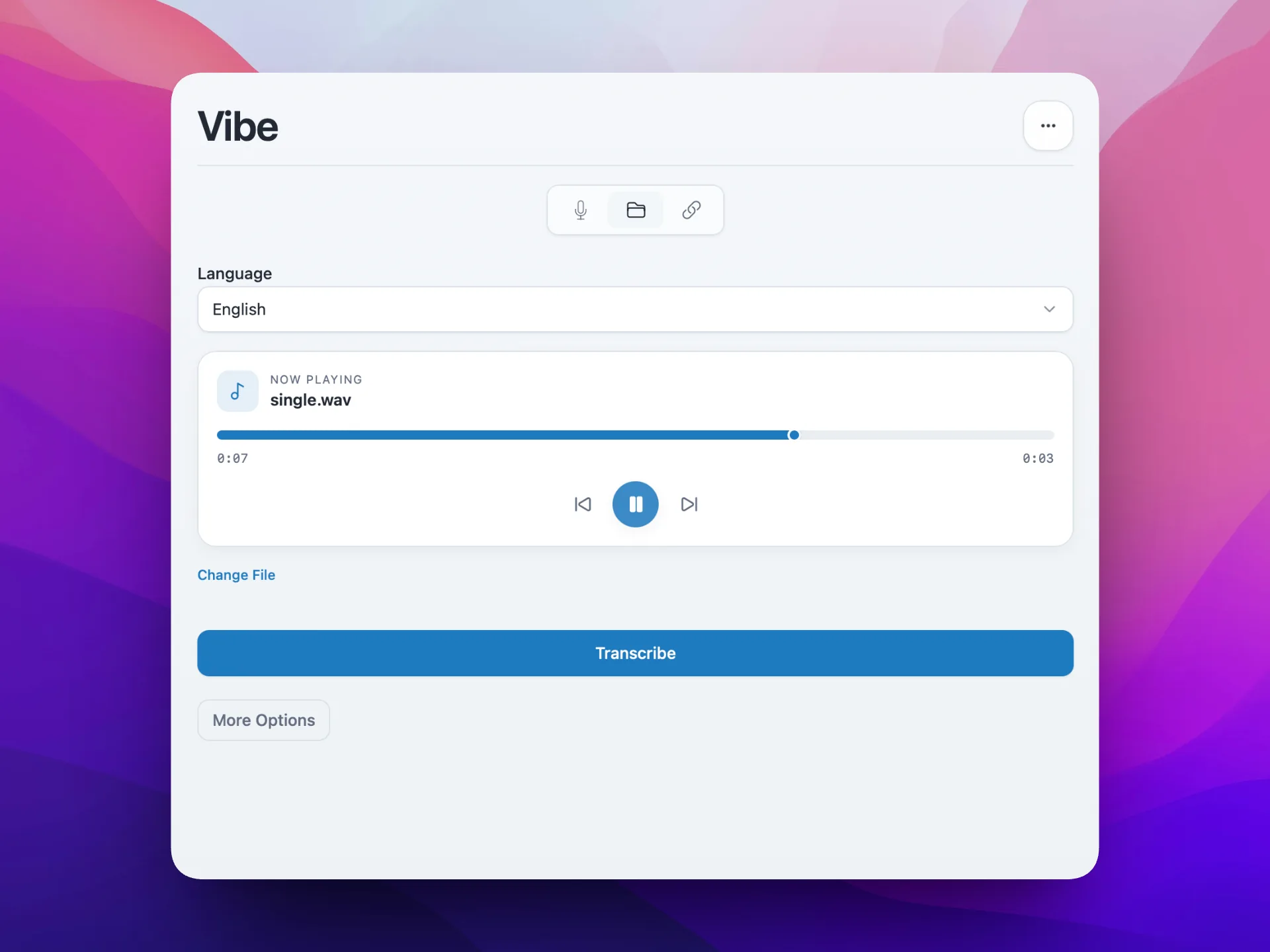
- Import an MP3, WAV, M4A, MP4, or another supported local file and run a short test.
- Transcribe the full episode, review it against the audio, then export the format your publishing workflow needs.
Choose the right source file
Start with the highest-quality episode file you can legally access. A direct WAV or high-bitrate MP3 normally preserves more speech detail than a screen recording or repeatedly compressed clip.
Vibe works with local files rather than a public podcast URL. Use an authorized download or your own production master instead of bypassing platform controls.
Prepare settings before the full run
Choose the spoken language explicitly. For multilingual episodes, split the recording into logical segments when one setting cannot represent the whole file well.
Test two or three minutes containing the host, a guest, music, and a difficult name. This catches model, timestamp, and speaker-label problems before a long local job.
Review the transcript as an editor
Automatic output is a draft, not a publication record. Listen through uncertain passages, standardize speaker names, and verify products, URLs, numbers, dates, and quotations.
If you remove false starts or repetitions, state that the transcript was edited for clarity. Keep a closer source version when research or quotation accuracy matters.
Today we are comparing local and cloud transcription workflows.
Local processing helps when the source audio should stay on the editor computer.
Verify the product name before publication.
Export for show notes, captions, or archives
Use TXT or DOCX for editing, SRT or VTT for timed captions, and JSON for structured timestamps. Keep the reviewed master transcript separate from condensed show notes.
A useful transcript page includes the episode title, participants, date, accessible headings, and an authorized link to the original episode. Never publish raw model output without a quality pass.
Accuracy, privacy, and publishing limits
Crosstalk, call compression, music, echo, and uncommon names can reduce accuracy. Diarization may split one voice or merge similar voices, so verify critical quotes directly.
Local processing reduces third-party uploads but does not replace consent, copyright, confidentiality, secure storage, or editorial review. Publish only material you are allowed to share.
FAQ
Podcast transcription questions
Can Vibe transcribe a podcast from a Spotify link?
No. Vibe uses a local audio or video file. Obtain an authorized episode file first.
What format should I export?
Use TXT or DOCX for editing, SRT or VTT for timed captions, and JSON for structured processing.
Should I use speaker diarization?
Use it for interviews and panels, but verify and rename every generated speaker label.
Is a Vibe transcript ready to publish automatically?
No. Review names, quotes, timestamps, crosstalk, and unclear passages against the recording.
Can podcast transcription stay offline?
Core local file transcription can run on the desktop. Review optional external integrations separately.
offline transcription with vibe
download vibe and start with a short local transcription test.
Download Vibe