best free transcription software
Best Free Transcription Software: Offline Apps Like Vibe
If you are looking for the best free transcription software, the right choice depends on more than a feature list. You need to match privacy, operating system, model control, subtitle support, batch work, and how much setup you are willing to handle. Vibe is a strong starting point for people who want a free, open-source desktop workflow that can keep core audio and video transcription on the computer. This guide compares Vibe with other offline-friendly options without pretending that one app wins every use case.
Quick answer: start with the workflow, not the brand
For a private Windows, macOS, or Linux workflow, begin with Vibe when you want a focused desktop app, official GitHub releases, local Whisper-powered transcription, and a clear path to subtitles or batch work. Consider Buzz when you prefer a different desktop interface and want to investigate its current platform support. Look at whisper.cpp-based interfaces when you want a more hands-on open-source route. MacWhisper is worth checking for Mac users who prioritize a polished native experience. The best free transcription software is the one that handles your files, language, hardware, and export routine with the fewest surprises.
Choose Vibe for a local-first desktop workflow with Windows, macOS, and Linux packages.
Compare privacy, model handling, subtitles, speaker labels, batch work, and export before switching.
Treat free and open-source as separate questions from optional cloud summaries or integrations.
Run the same short test clip in any candidate before committing a long recording or archive.
A practical comparison path
- Define the real job: interview transcript, video subtitles, meeting notes, research archive, or batch conversion.
- List your operating system, processor, GPU availability, languages, and preferred export format.
- Shortlist Vibe plus one or two alternatives that match the same local-processing boundary.
- Test a representative clip and compare accuracy, speed, timestamps, speaker handling, and file output.
- Keep the tool that is easiest to repeat, review, and update from a trustworthy source.
Best free transcription software: a starting comparison
Use this table to narrow the shortlist, not to replace a hands-on test. Product features, packages, model choices, and licensing details can change, so confirm them on each project's current official page before installing.
| Option | Best fit | Local-workflow question | Main trade-off |
|---|---|---|---|
| Vibe | Cross-platform local transcription, subtitles, and repeatable desktop work | Can your computer run the chosen model comfortably? | You still need to choose models, review output, and track release assets. |
| Buzz | Users who want another desktop interface for Whisper-style work | Does its current platform and export path match your project? | A different interface may change the setup and review routine. |
| Whisper.cpp GUI | Hands-on users who want an open-source route around whisper.cpp | Are you comfortable comparing builds, models, and settings? | More control can mean more setup and troubleshooting. |
| MacWhisper | Mac users who prefer a polished native transcription experience | Does the current Mac workflow meet your privacy and export needs? | Platform focus and product-specific limits may matter outside macOS. |
| Cloud transcription tools | Teams that value convenience, collaboration, or hosted processing | Are you allowed to upload the recording and its metadata? | Privacy, recurring limits, and account requirements need separate review. |
The table is a decision aid, not a claim that every product is free in every tier or identical across operating systems. Check the official project or vendor page for current licensing, downloads, and supported features.
What makes transcription software a good free choice?
The phrase best free transcription software hides several different decisions. A student may want a quick lecture transcript. A video editor may care more about stable timestamps and caption exports. A researcher may need local processing because the recording contains participant information. A team may want batch work and predictable file naming. If you compare every option against the same vague checklist, the result will be generic. Start with the output you need and the privacy boundary you can accept.
- Write down the input types you actually process: audio, video, microphone capture, or system audio.
- Separate core transcription from summaries, translation, and cloud integrations.
- Measure the review time as well as the transcription time; a fast but messy transcript may cost more work.
Why Vibe is a sensible first shortlist candidate
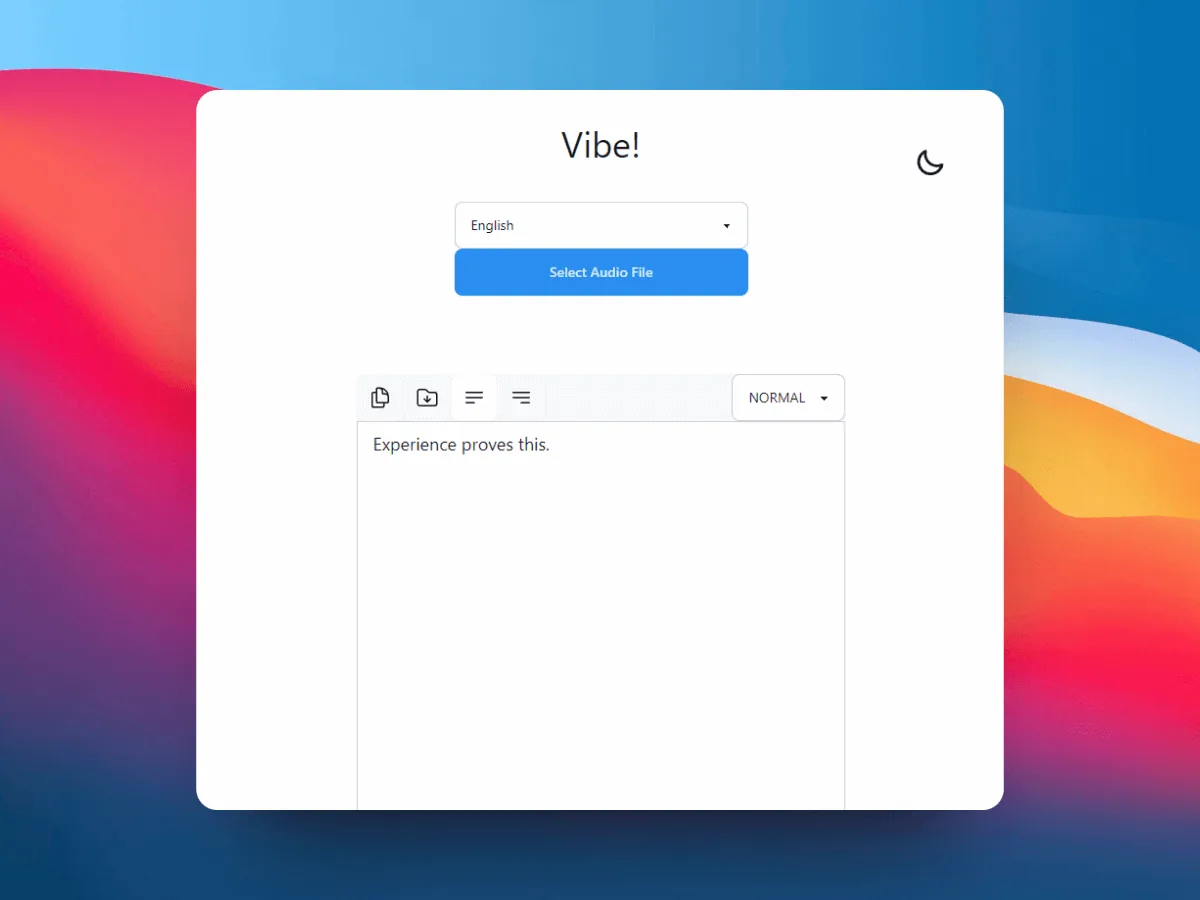
Vibe belongs on the shortlist when you want a desktop application rather than a browser upload form. Its core value is the local path: choose an official release, open the app, import a recording, run transcription, and review the result on your own computer. That makes it relevant for interviews, lectures, podcasts, screen recordings, private meetings, and video drafts. The site documents Vibe as an unofficial guide, so the official GitHub release remains the source for the actual packages and release changes.
- Use the official Vibe release and compare the platform asset before opening an installer.
- Keep a short sample that reflects your real language, accents, background noise, and speaker count.
- Review the result manually before treating it as a finished document or subtitle file.
When Buzz or another desktop app may fit better
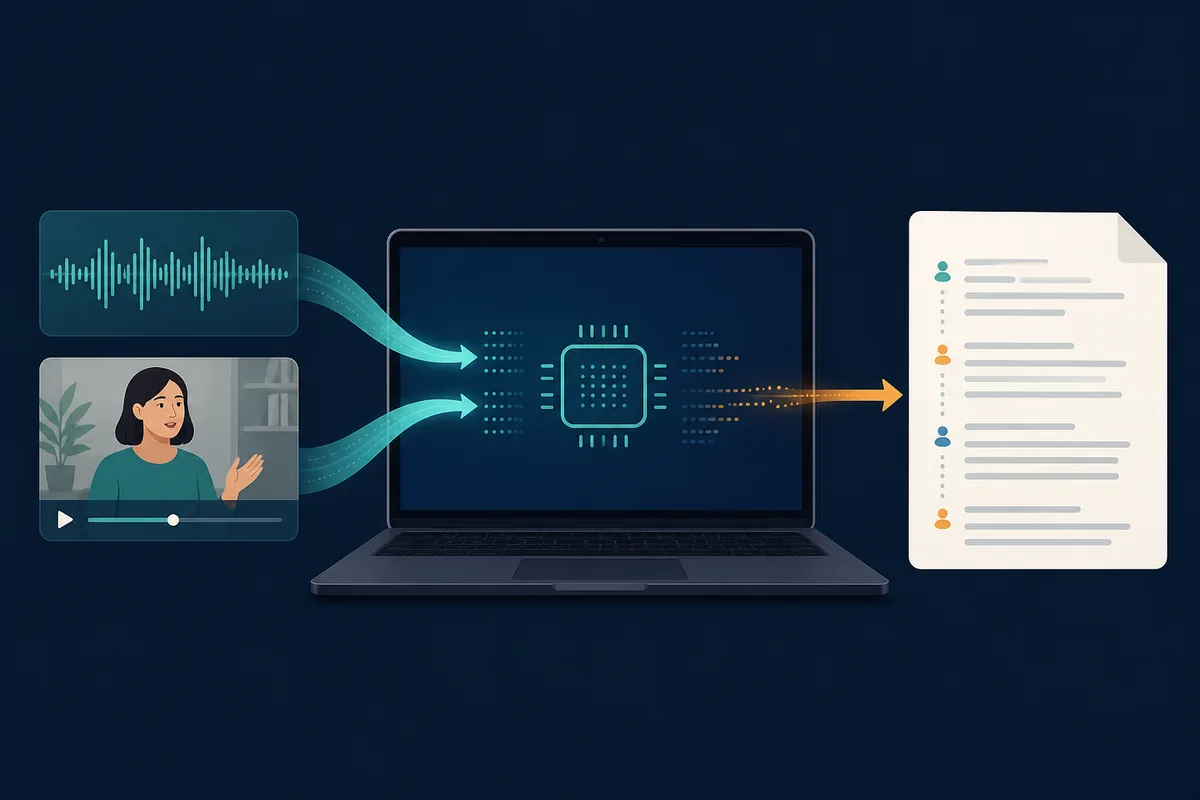
An alternative is useful when it changes a decision that matters to you, not simply because its name is different. Buzz may deserve a test if its current interface, platform support, or export behavior matches your workflow more closely. A whisper.cpp-based interface can be attractive when you want to inspect an open-source stack and make more of the model or build decisions yourself. MacWhisper can be a practical comparison for Mac users who prefer a native product experience. These are starting points for verification, not promises about every current feature or plan.
- Choose a competitor because of a concrete gap: platform, UI, export, speed, model control, or collaboration.
- Use the current official project page for downloads, licensing, supported systems, and release notes.
- Do not assume a cloud feature is offline just because the product also offers local or desktop modes.
Privacy, accuracy, and hardware trade-offs
Offline transcription is a privacy choice, but it is not a guarantee that every feature is offline. The core audio-to-text step may run locally while a summary, translation, URL fetch, or assistant integration sends text or metadata elsewhere. Read the settings and treat those paths separately. For sensitive interviews, customer calls, research sessions, or internal meetings, keep the original media local unless you have a clear reason and permission to upload it.
- Test the same difficult segment in each shortlisted app.
- Record model, language, hardware, and export settings with the result.
- For confidential material, disable or avoid optional network features unless they are approved.
A repeatable test that makes the comparison fair
Prepare a short clip that represents the real project. Include the language, speaker count, background conditions, and vocabulary you expect. Use the same source file for Vibe and the alternatives, and avoid changing several variables at the same time. Note how long setup takes, whether the model download is clear, how the app behaves while processing, and where the output appears. This creates evidence you can use instead of relying on a general listicle verdict.
- Use one short audio or video sample and keep the original unchanged.
- Score setup effort, processing time, correction effort, export quality, and repeatability.
- Keep the winning settings in a small project note so the next file starts faster.
How to choose without creating a new problem
If you want a practical default, start with Vibe, verify the official current release, and run a small local test. Move to Buzz or another option when your test shows a specific advantage: a better interface for your platform, an export format you need, a model setting that works better, or a review process your team can actually repeat. The point of a comparison page is to reduce uncertainty, not to collect every transcription brand on the internet.
- Start with the option that matches your privacy and platform constraints.
- Keep official release links and current version notes with your project documentation.
- Use the Vibe download, offline transcription, Whisper, and subtitle guides for the next concrete step.
Official project pages to verify before installing
FAQ
Best free transcription software questions
What is the best free transcription software for private files?
Start with a local-first desktop app such as Vibe when you need the core transcription step to stay on your computer. Test the exact file type and language, and review optional features separately because summaries or integrations may use network services.
Is Vibe better than Buzz for everyone?
No. Vibe and Buzz serve overlapping offline transcription needs, but the better fit depends on your operating system, interface preference, model workflow, export needs, and the result of a representative test clip. Use the dedicated Buzz vs Vibe comparison for a narrower decision.
Are Whisper-based transcription apps really free?
Some Whisper-based applications and open-source projects are free to download or inspect, but hardware, model storage, optional services, and product-specific limits still matter. Check the current official project terms before assuming every feature is unlimited.
Which free transcription app is best for subtitles?
Choose the app that gives you usable timestamps, caption-length control, and an export path compatible with your editor. Vibe is worth testing when the workflow is local and video-focused, then compare the exported timing on a short clip.
Can I use free transcription software for confidential meetings?
A local workflow can reduce upload exposure, but you still need to review optional cloud summaries, integrations, model downloads, and file permissions. Keep the original recording protected and confirm your organization's policy before processing it.
offline transcription with vibe
download vibe and start with a short local transcription test.
Download Vibe