interview transcription software
Interview Transcription Software with Vibe
Interview transcription software should preserve more than words. A reliable workflow keeps the original recording, separates speakers, retains timestamps for checking quotations, and creates a useful export without forcing unpublished audio into a browser service. Vibe is an open-source desktop option for Windows, macOS, and Linux.
Interview Transcription Software with Vibe
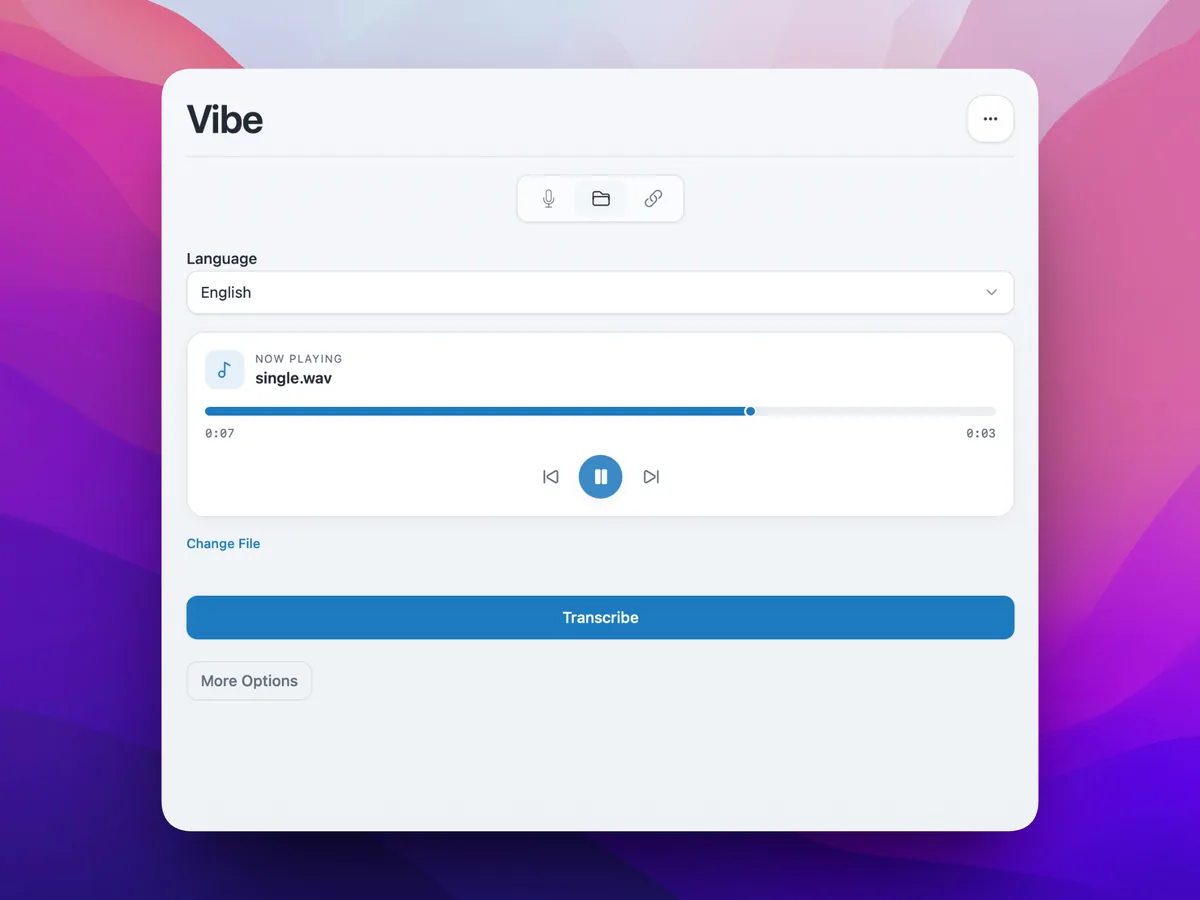
Test a representative clip, choose the language and model, enable speaker diarization for multiple voices, and review important passages against the original audio.
Keep the original audio unchanged.
Verify speaker labels and quotations.
Export a reviewed master copy.
Prepare the interview before transcription
- Test a representative two-minute clip.
- Choose language, model, timestamps, and diarization.
- Correct names and quotations before export.
Prepare the interview before transcription
Keep the source recording unchanged and work from a clearly named copy. Test a section containing both speakers, typical background noise, and specialist terms before processing a long interview. Create a glossary of names, organizations, products, and abbreviations so corrections stay consistent.
Test a representative clip, choose the language and model, enable speaker diarization for multiple voices, and review important passages against the original audio.
- Preserve consent and retention records.
- Use the clearest available source audio.
- Prepare a glossary before review.
Review speakers, timestamps, and exports
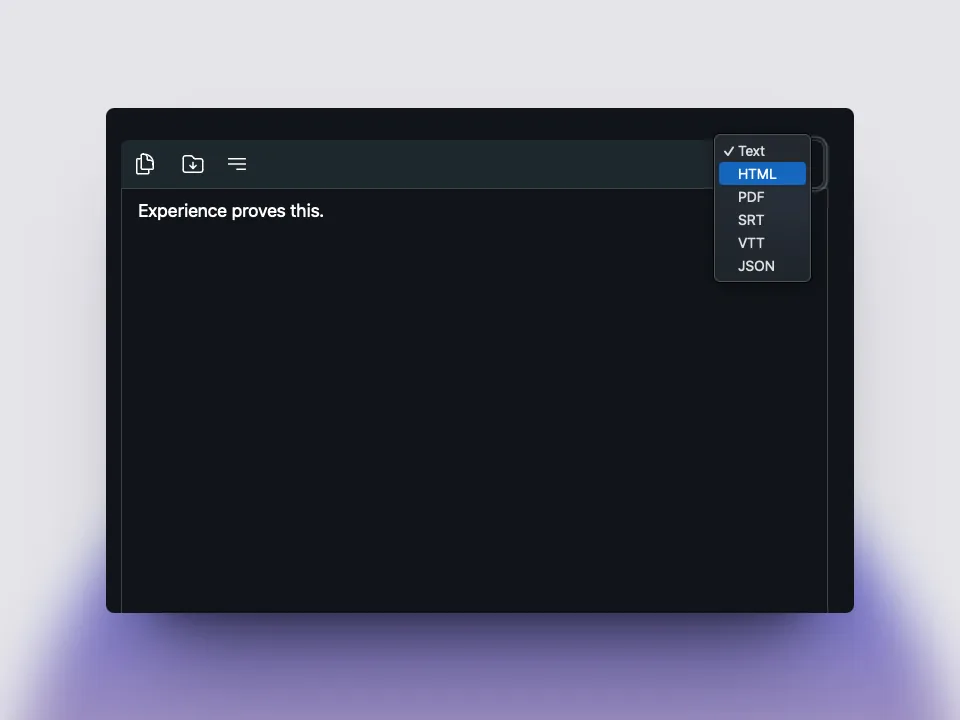
Treat generated speaker labels as provisional until you recognize each voice. Keep a timestamped master transcript for verification, replay every quotation before publication, and choose TXT or DOCX for editing, JSON for structured analysis, or SRT and VTT for timed video.
Interview transcription software should preserve more than words. A reliable workflow keeps the original recording, separates speakers, retains timestamps for checking quotations, and creates a useful export without forcing unpublished audio into a browser service. Vibe is an open-source desktop option for Windows, macOS, and Linux.
- Keep a timestamped master transcript.
- Replay every direct quotation.
- Separate archive, analysis, and publication copies.
Official Vibe references
offline transcription with vibe
download vibe and start with a short local transcription test.
Download Vibe