transcribe youtube video
Transcribe YouTube Video with Vibe
Paste a public YouTube URL you are allowed to process into Vibe, choose the spoken language and model, then review and export the transcript. URL retrieval is different from importing a local MP4 file.
Can Vibe transcribe a YouTube link?
Yes. The official Vibe project supports URL transcription for YouTube and other sites. Private, restricted, live, removed, or protected videos may fail before transcription.
Use Vibe's link input instead of an unofficial converter.
Choose the language actually spoken in the video.
Test a short public video before a long recording.
Review names, numbers, quotes, and timestamps.
YouTube transcription workflow
- Install verified Vibe v3.2.2 from official GitHub.
- Open the link or URL input.
- Paste the full public watch URL.
- Choose language, model, timestamps, and speaker options.
- Run transcription and correct uncertain passages.
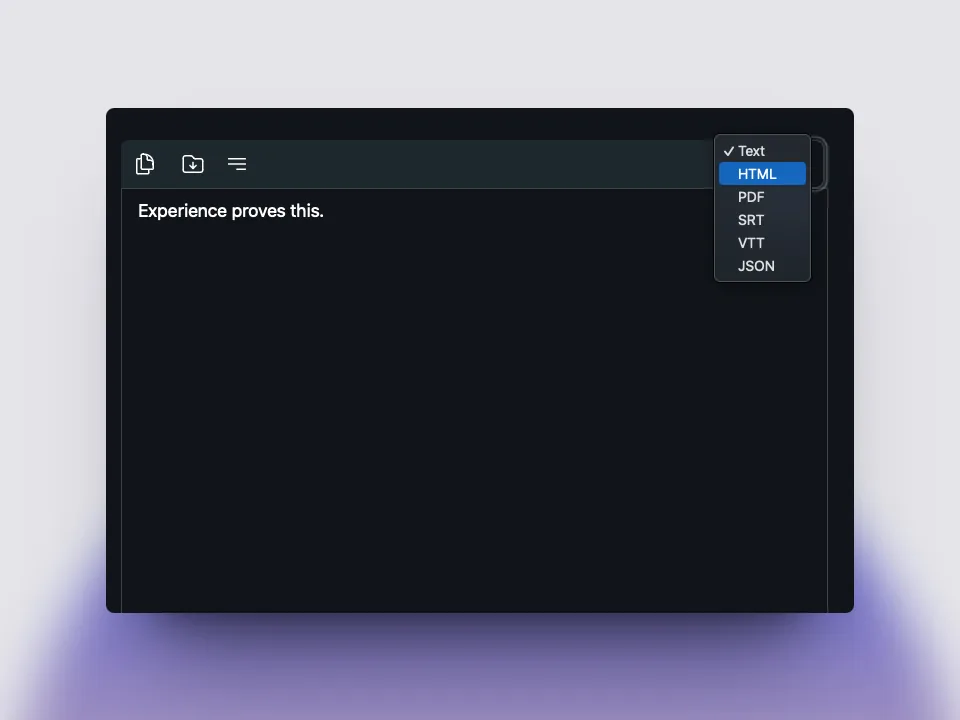
- Export text, SRT, or VTT.
Use an accessible URL you have permission to process
Vibe retrieves the media before speech recognition starts, so an early failure usually concerns URL access rather than the transcription model.
Private, members-only, age-restricted, region-blocked, live, or removed videos may not work. If you own the content, use the original local file instead.
- Use the full watch URL.
- Confirm normal browser playback.
- Do not process unauthorized content.
Choose settings and review the draft
Set the real spoken language and test one or two minutes before a long run. Clear audio matters more than video resolution.
Automatic speech recognition creates a draft. Check proper names, figures, technical terms, speaker labels, and quotations against the video.
- Music and overlapping voices reduce accuracy.
- Keep timestamps for important quotations.
- Save raw and reviewed versions separately.

Export the format your next step needs
Use text or Markdown for notes, SRT or VTT for timed captions, and JSON or CSV for structured processing.
The transcript becomes a durable file only after you save it and confirm the destination.
- TXT/Markdown for editing.
- SRT/VTT for captions.
- JSON/CSV for automation.
FAQ
YouTube transcription questions
Can Vibe transcribe a YouTube URL?
Yes, when the public URL is supported and accessible.
Does the video need captions?
No. Vibe can transcribe accessible audio.
Why does a link fail before processing?
It may be private, restricted, live, removed, malformed, or temporarily inaccessible.
Which export format should I use?
Text for notes, SRT/VTT for captions, and JSON/CSV for structured processing.
Is the first draft ready to publish?
No. Review names, numbers, quotations, speakers, and timestamps.
offline transcription with vibe
download vibe and start with a short local transcription test.
Download Vibe